Starter
For personal use and small experiments.
- Limited Access to Model Library
Fill out the form to get a free consultation — and we’ll show you the fastest way to bring your idea to life.
We’ll help you design, model, and print your concept from scratch.
Discover how to choose and remove supports cleanly — no wasted filament or messy surfaces.
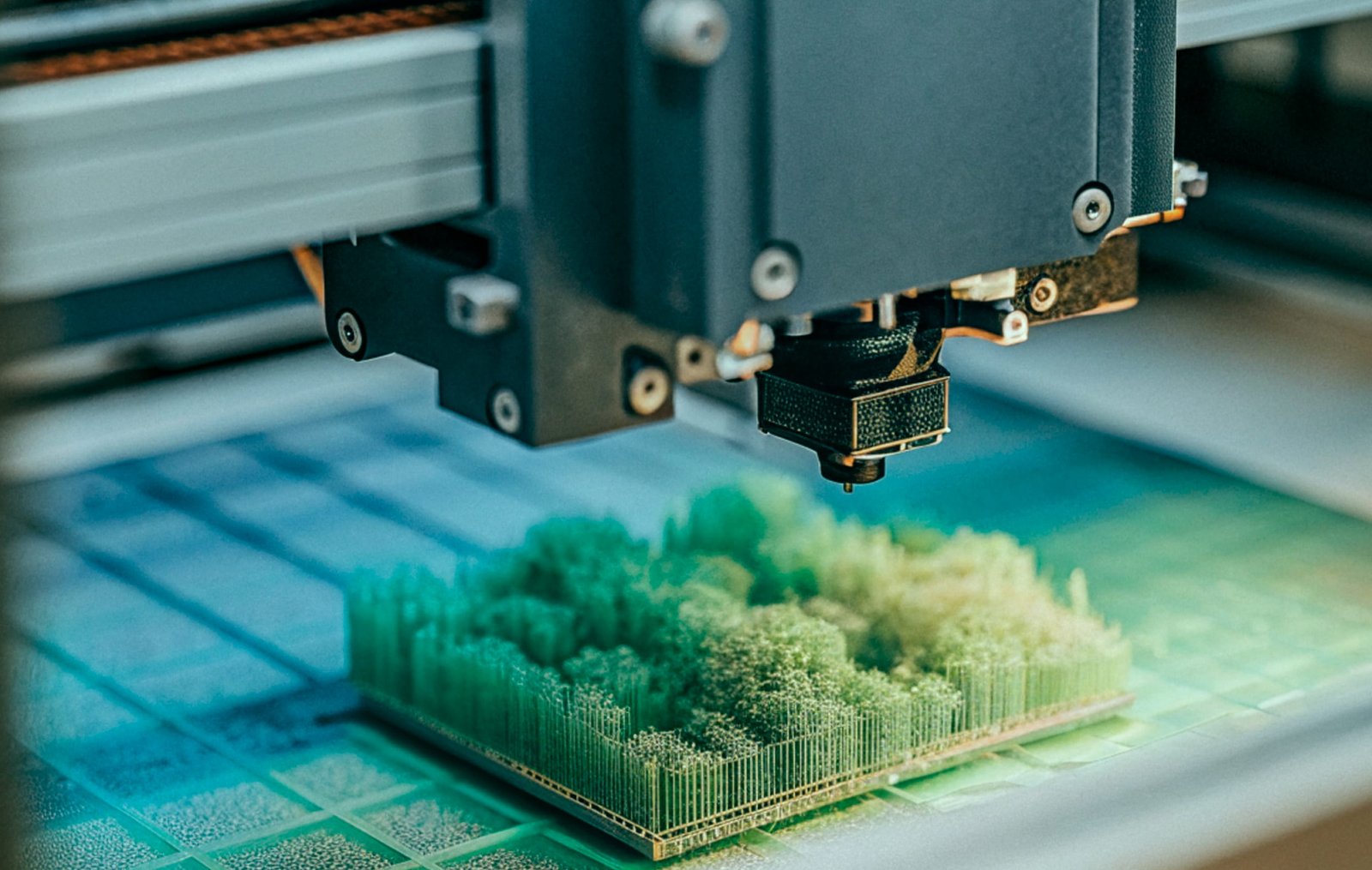
When it comes to 3D printing complex geometries — overhangs, bridges, or intricate organic shapes — support settings can make or break the final result. Choosing the right type of supports, their placement, and density determines not only print success but also surface quality and ease of removal.
In this article, we’ll explore how to optimize support settings for challenging prints and avoid common pitfalls.
When it comes to 3D printing complex geometries — overhangs, bridges, or intricate organic shapes — support settings can make or break the final result. Choosing the right type of supports, their placement, and density determines not only print success but also surface quality and ease of removal.
In this article, we’ll explore how to optimize support settings for challenging prints and avoid common pitfalls.
Most slicers offer several types of supports. Here’s how to decide which one suits your model best:
Tree Supports:
Ideal for organic or curved shapes. They minimize contact points and are easy to remove, making them great for figurines and artistic models.
Grid (Linear) Supports:
Provide strong, stable backing for mechanical parts or models with flat overhangs. Slightly harder to remove but offer excellent reliability.
Organic Supports (in modern slicers like OrcaSlicer or PrusaSlicer):
A hybrid approach that uses minimal material while maintaining stability. Perfect for complex structures.
3. Key Settings to Fine-Tune
a. Support Density
10–20%: Easier removal, faster printing, but less stability.
25–40%: Stronger support for delicate or large parts.
Start low and increase only if your print shows drooping or deformation.

b. Support Interface Layers
These thin layers separate the supports from the model surface.
Add 1–2 interface layers for smooth undersides.
Too many layers can make removal difficult.
c. Z-Distance (Support Gap)
The gap between support and model affects removal ease and surface quality.
For PLA: 0.2–0.3 mm
For PETG or ABS: 0.3–0.4 mm (since they’re stickier materials)
d. Support Overhang Angle
Most slicers start adding supports at 45°.
Lower angles (35–40°) provide more stability for complex parts.
Higher angles (50–55°) reduce support use for simpler geometries.
Use custom supports.
Manually add supports only where necessary — it saves material and reduces cleanup.
Orient your model wisely.
A simple rotation can reduce overhangs and the need for supports entirely.
Use soluble supports (PVA, BVOH).
If you have a dual extruder printer, water-soluble supports make post-processing effortless.
Test small sections first.
Before printing a large, complex model, slice and print a small portion to test your settings.
Turn your ideas into reality in just
three simple steps.

Flexible pricing for every creator — from hobbyists to full-scale production teams.
For personal use and small experiments.
Ideal for freelancers and regular 3D printing users.
For businesses that need professional-grade prototypes.